

Apps
An App is the container for everything Golem knows about one target: its domain or store identifier, its assets, its audits, its schedule, and its billing.Creating an app
Click New App and choose the type: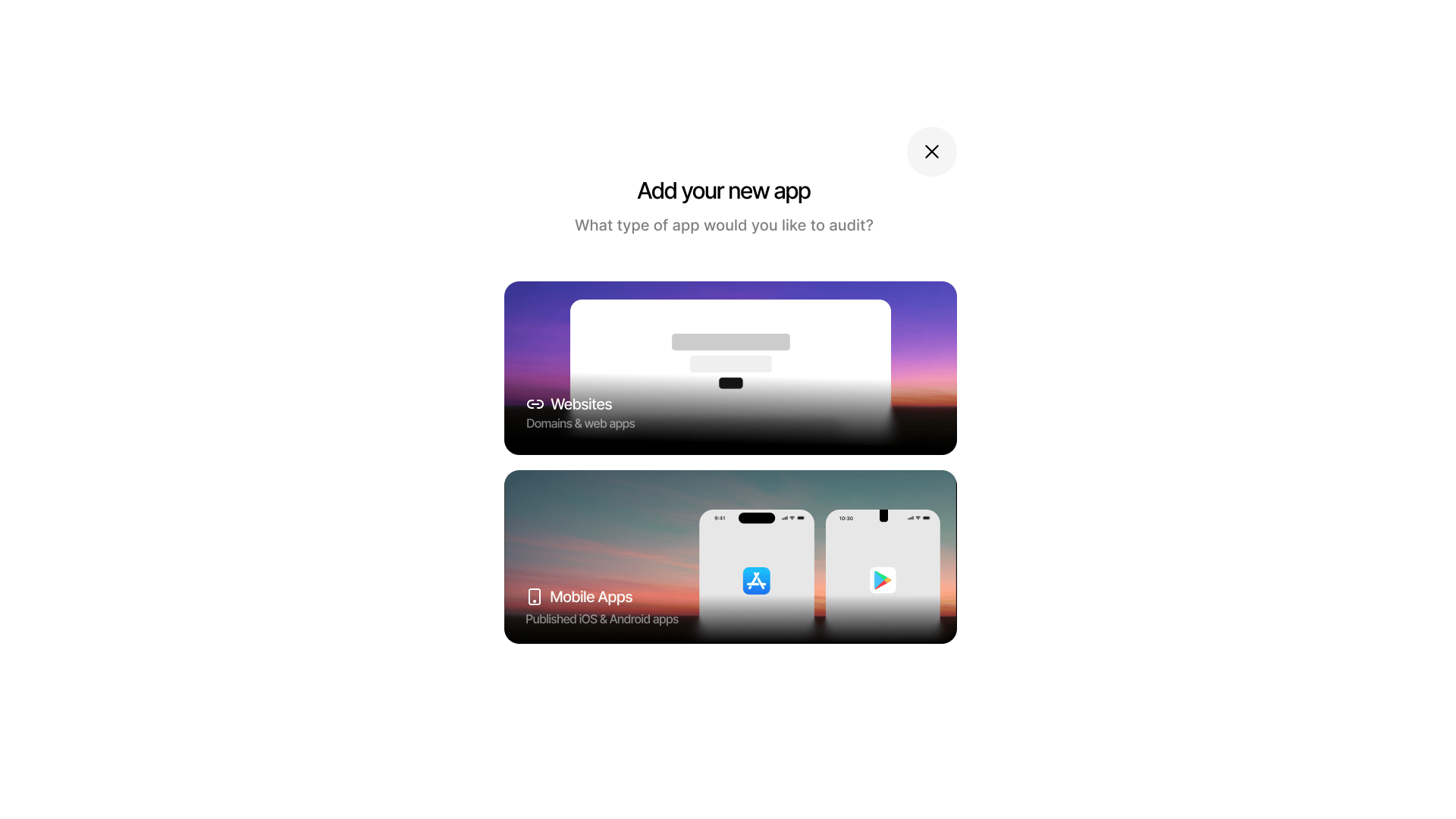
Choosing the app type when creating a new app
Web app
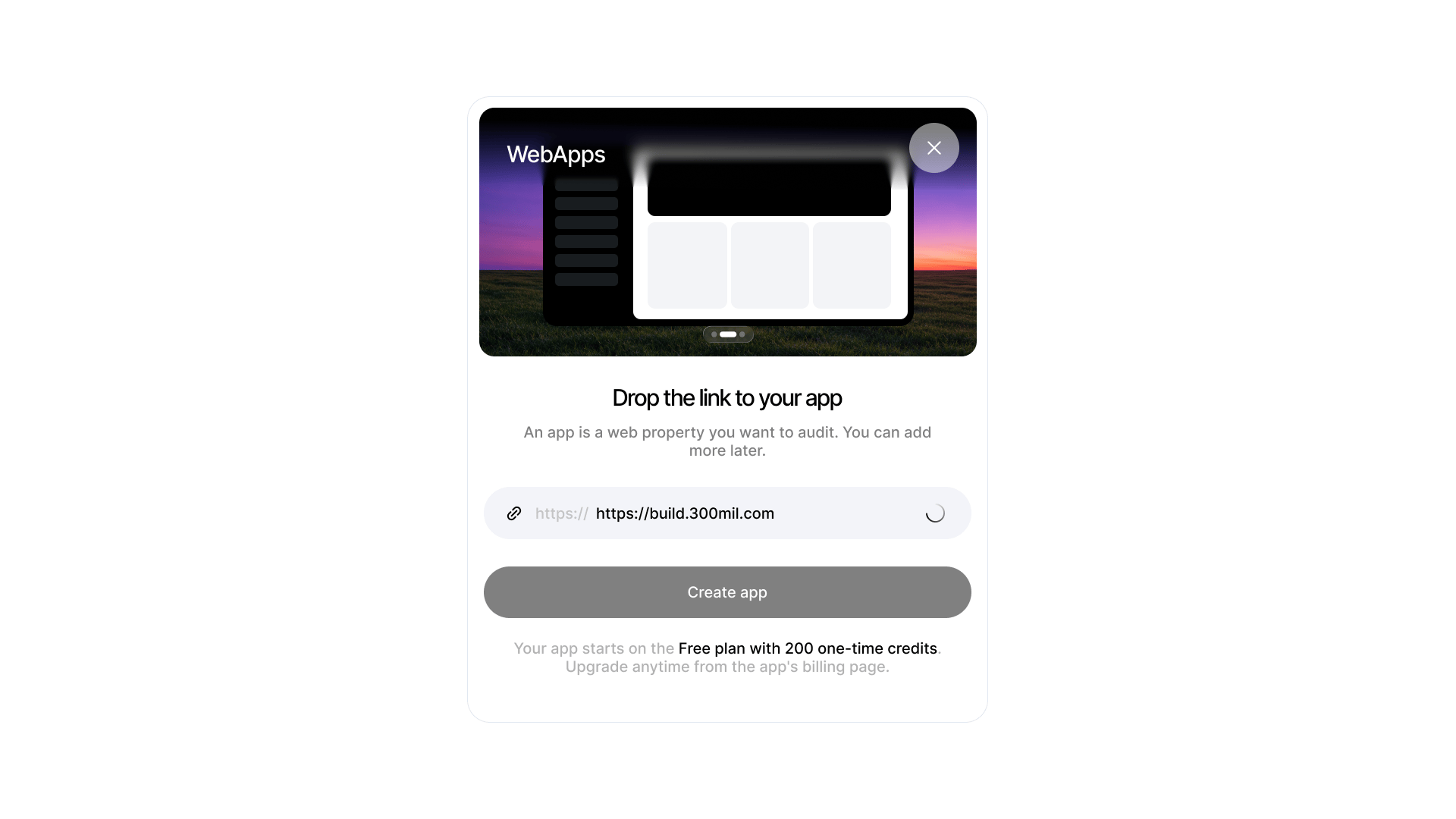
Entering the URL of the web app to audit
- Enter a display name and the target domain (e.g.
acme.example.com) - Optionally pick security focus areas
- Click Create Draft — the app starts as a draft until ownership is proven
Mobile app
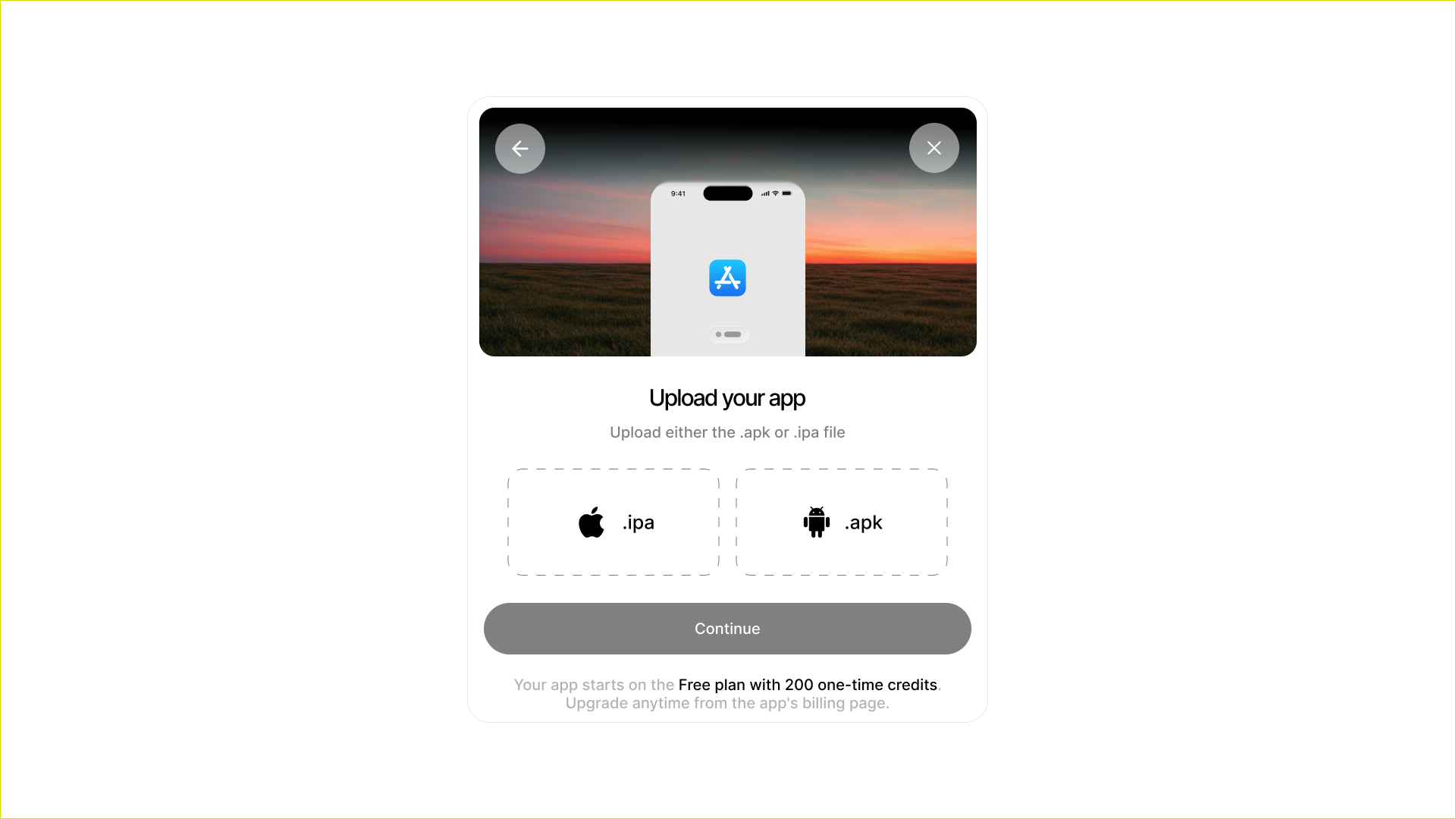
Uploading the app binary when creating a mobile app
- Enter the iOS bundle ID or Android package name (e.g.
com.acme.app) - Golem fetches the app’s public store metadata for verification
- Upload your
.ipaon the Assets page for iOS before scanning - Sign the attestation confirming you’re the developer or have written permission
Verifying ownership
Verification is required before any audit runs — Golem never audits an unverified target. Web apps — two options, both checked automatically when you click Verify:
Allow time for DNS propagation if you choose the TXT route. Verification attempts are rate-limited (6 per minute), so give the record a few minutes before retrying.
Mobile apps — verified through the store’s public developer contact for the identifier, plus the attestation you sign.
On success, Golem immediately kicks off a subdomain scan and a tech-stack scan, and the draft becomes a full App.
What an app contains
- Audit history — every engagement run against the target
- Findings — aggregated across all audits
- Assets — discovered subdomains with screenshots and stack data
- Scheduled audits — cron-based recurring runs
- Billing — plan and credit balance (scoped per app)
- Security focus — default emphasis areas for deep audits
Deleting an app
Deleting an app permanently removes its audits, findings, assets, and schedules. Active audits are terminated.Next steps
Audits
Run your first engagement.
Scheduling
Set up recurring audits.