

Quickstart
This guide walks you through adding your first app, verifying it, and running your first audit.1. Sign in
- Sign in at we.usegolem.ai — enter your email and paste the 6-digit code we send you, or continue with Google.
- The first-run onboarding walks you through creating your first app.
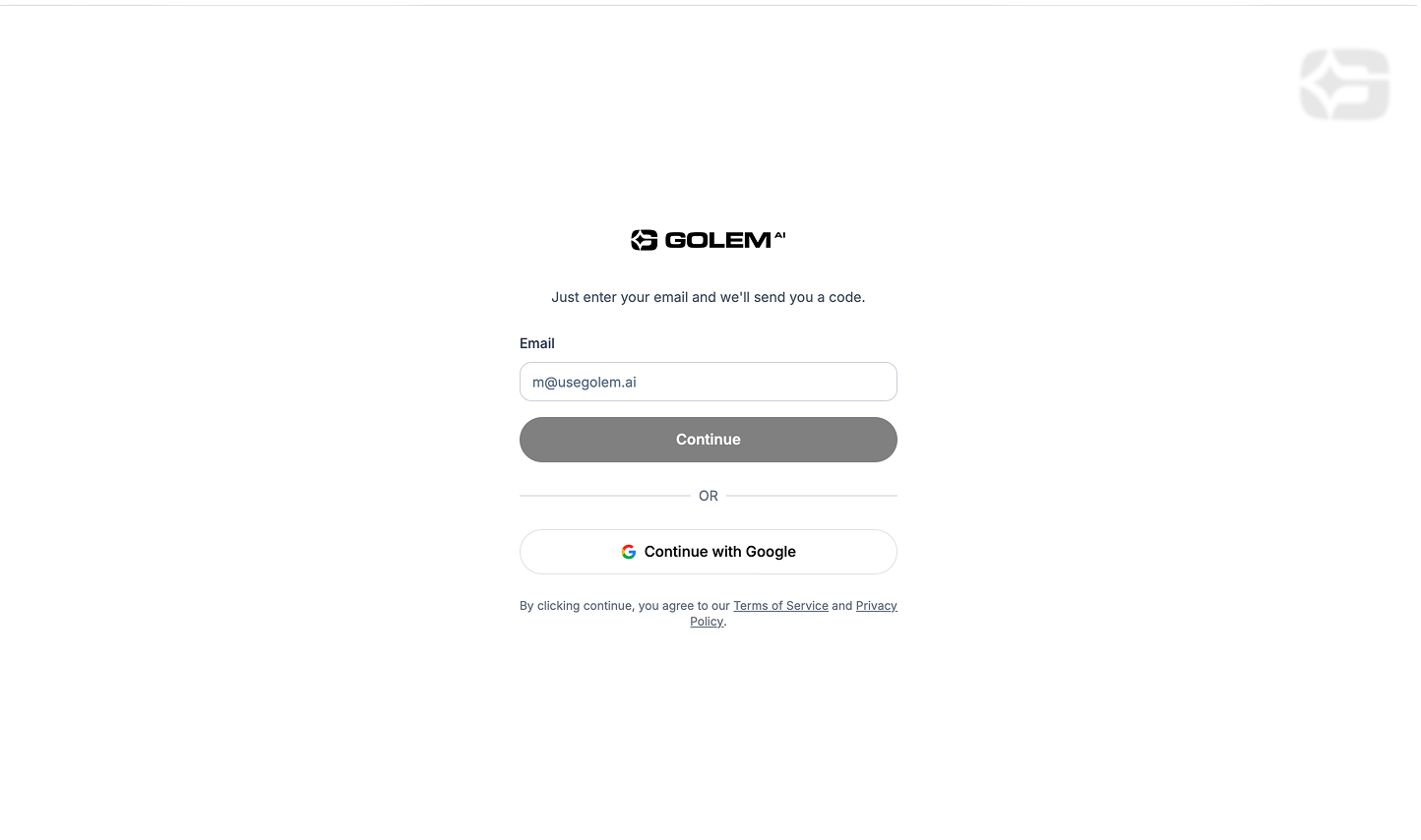
Signing in with a one-time email code
2. Add an app
An app is the container for everything Golem knows about one target: its domain, its assets, its audits, and its billing.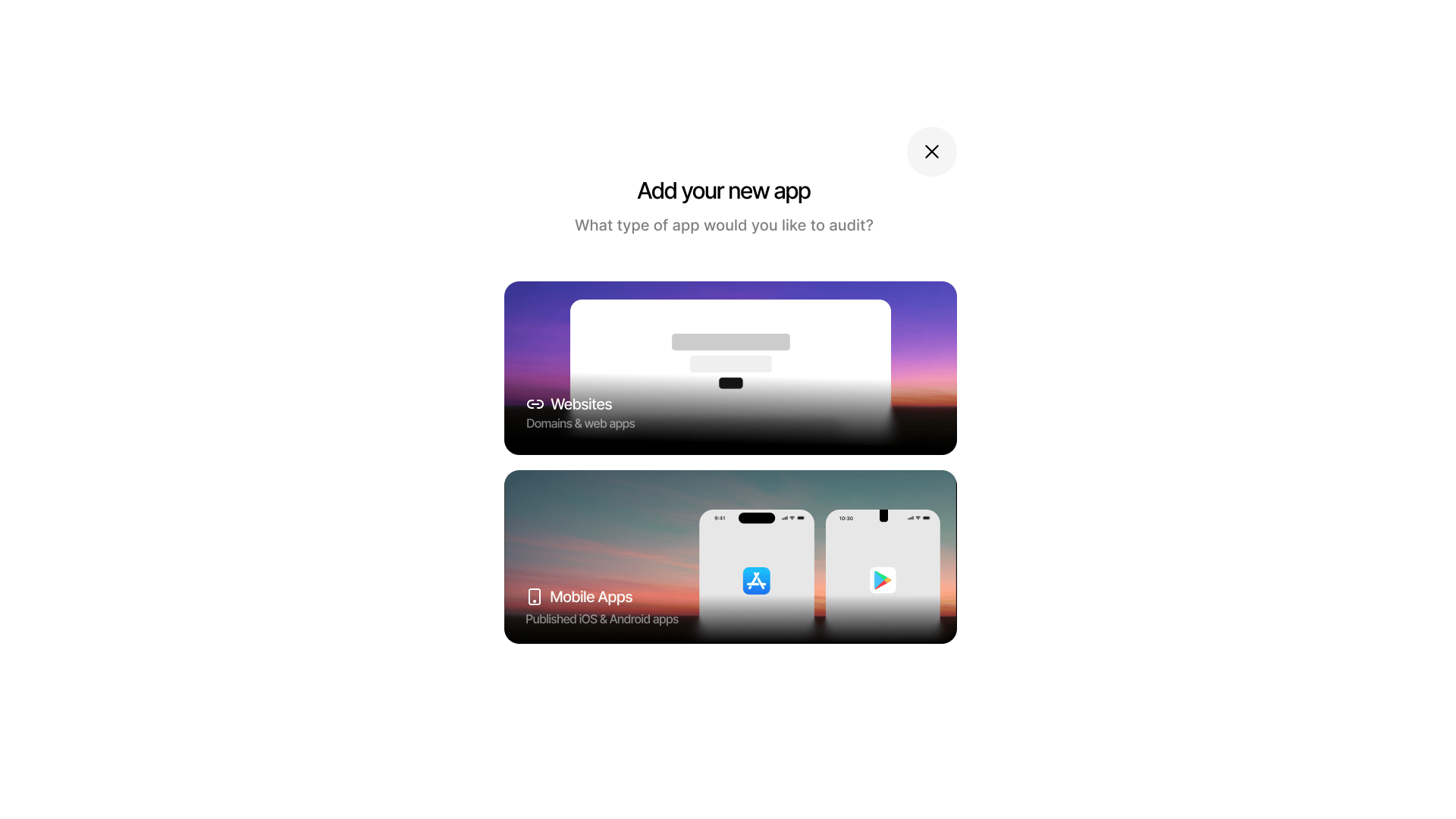
Choosing the app type when creating a new app
- Click New App (or start from onboarding).
- Enter a name and the target domain (e.g.
acme.example.com). - Pick optional security focus areas — what matters most to you.
- Click Create Draft — you’ll get verification instructions.
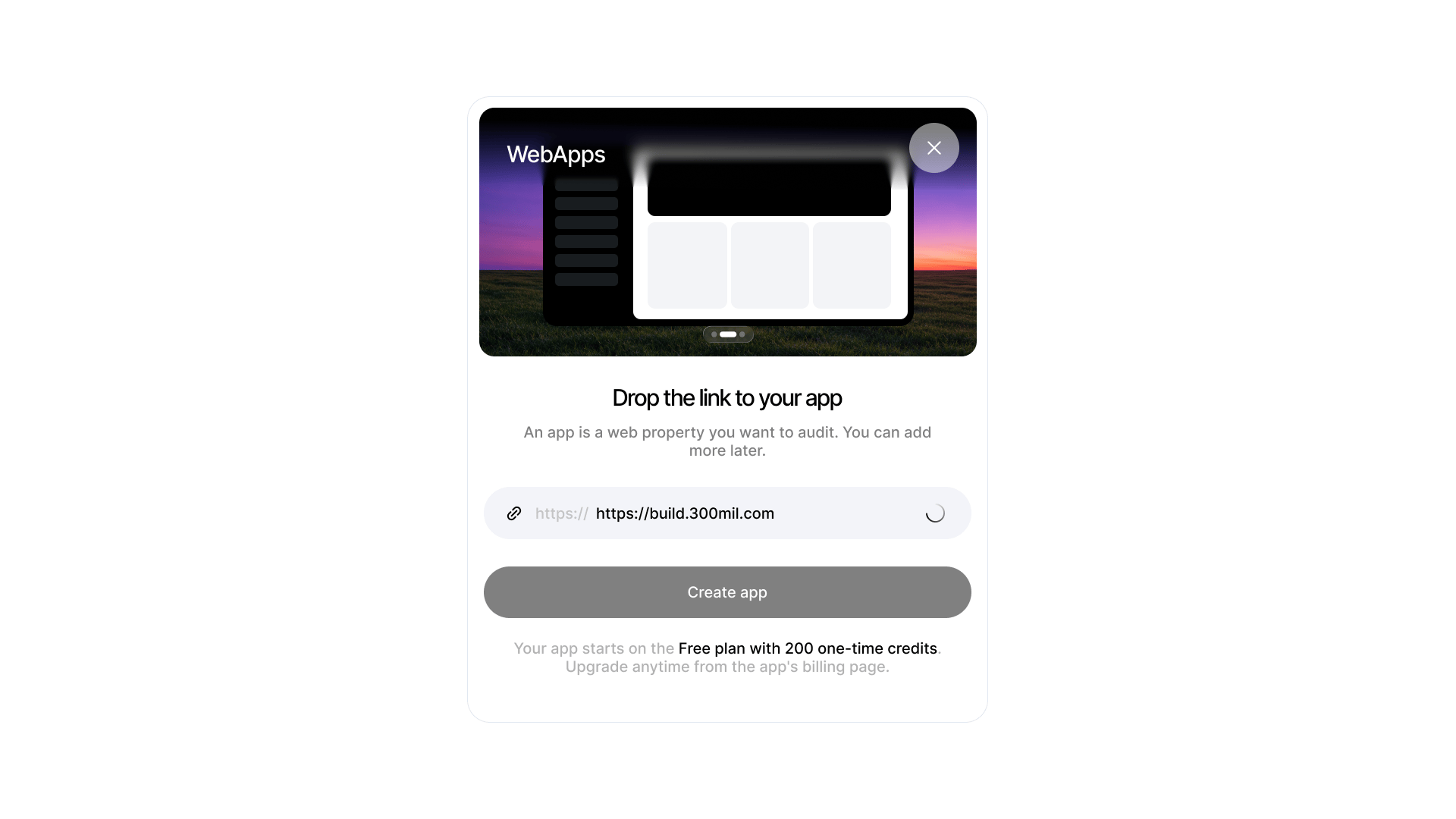
Entering the URL of the web app to audit
- Meta tag — add
<meta name="golem-verify" content="<token>">to your site’s HTML head, or - DNS TXT — add a TXT record at
_golem-verify.acme.example.comwith valuegolem-verify=<token>
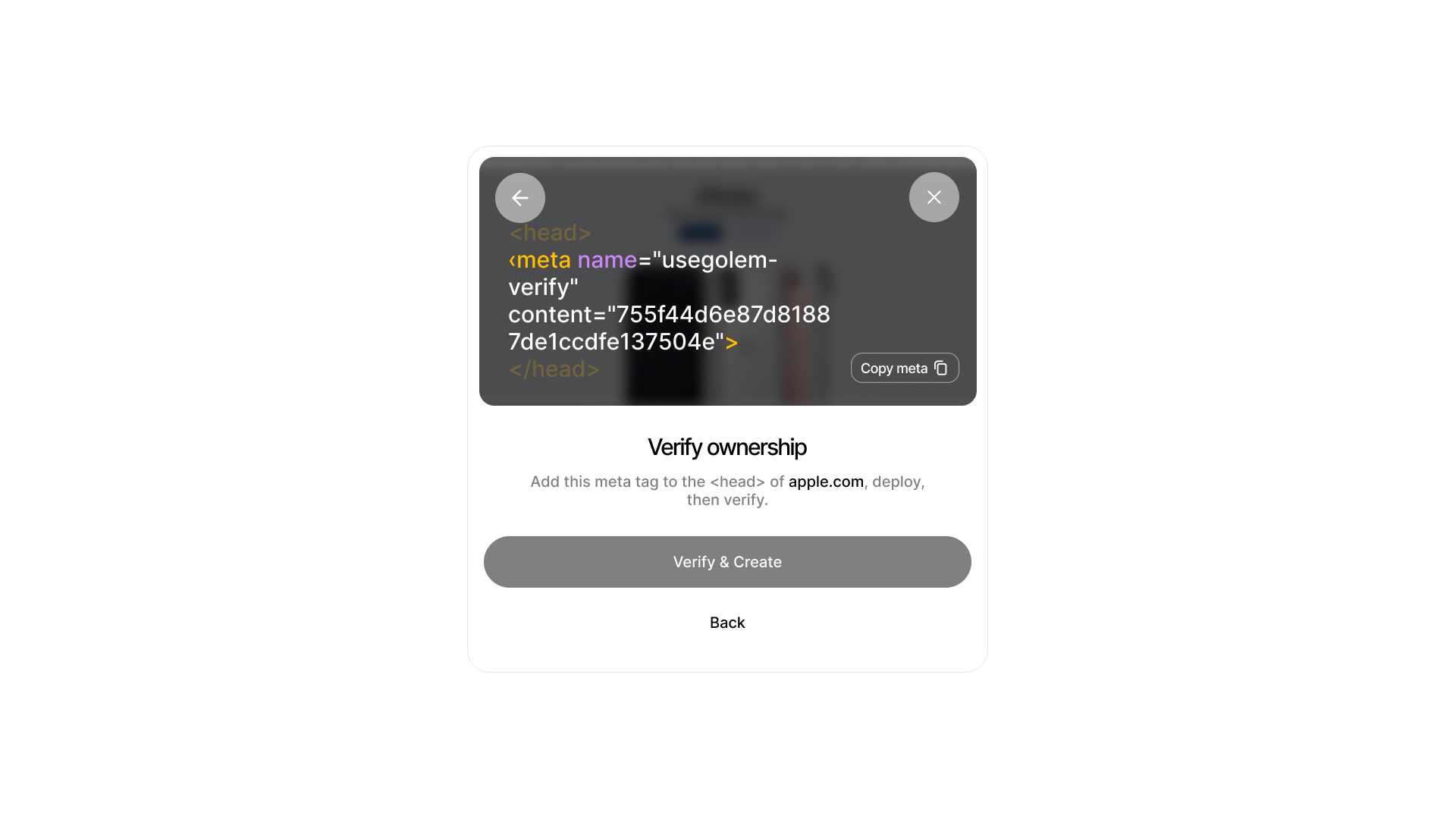
New App form and domain verification screen
- Click New App and choose Mobile.
- Enter the iOS bundle ID or Android package name (e.g.
com.acme.app). - Golem pulls the app’s public store metadata for developer-contact verification.
- For iOS, upload your
.ipaon the app’s Assets page — required before iOS scans. - Accept the attestation (you confirm you’re the developer or have written permission), then run a prescan or audit.
3. Run your first audit
- Open the app’s Dashboard.
- Click Launch Audit and choose a mode:
- Optionally override the security focus for this run.
- Launch. Findings stream into the dashboard as they’re confirmed.
4. Get an API key
- Open Profile in the sidebar.
- Click Generate API Key — the key is shown once and looks like
golem_sk_.... - Pass it as a Bearer token on every API call:
What’s next
Core concepts
Apps, drafts, audits, findings, and the Golem agent.
Shallow vs Deep
Choose the right audit mode.
Findings & evidence
How Golem guarantees findings are real.
Scheduling
Run audits on a cron schedule.